Build a rota that reflects reality.
Set a week, filter departments, assign work status and use drag-and-drop to move cover where it is needed. Print, save and reload a trusted version.
Office Staff Scheduler
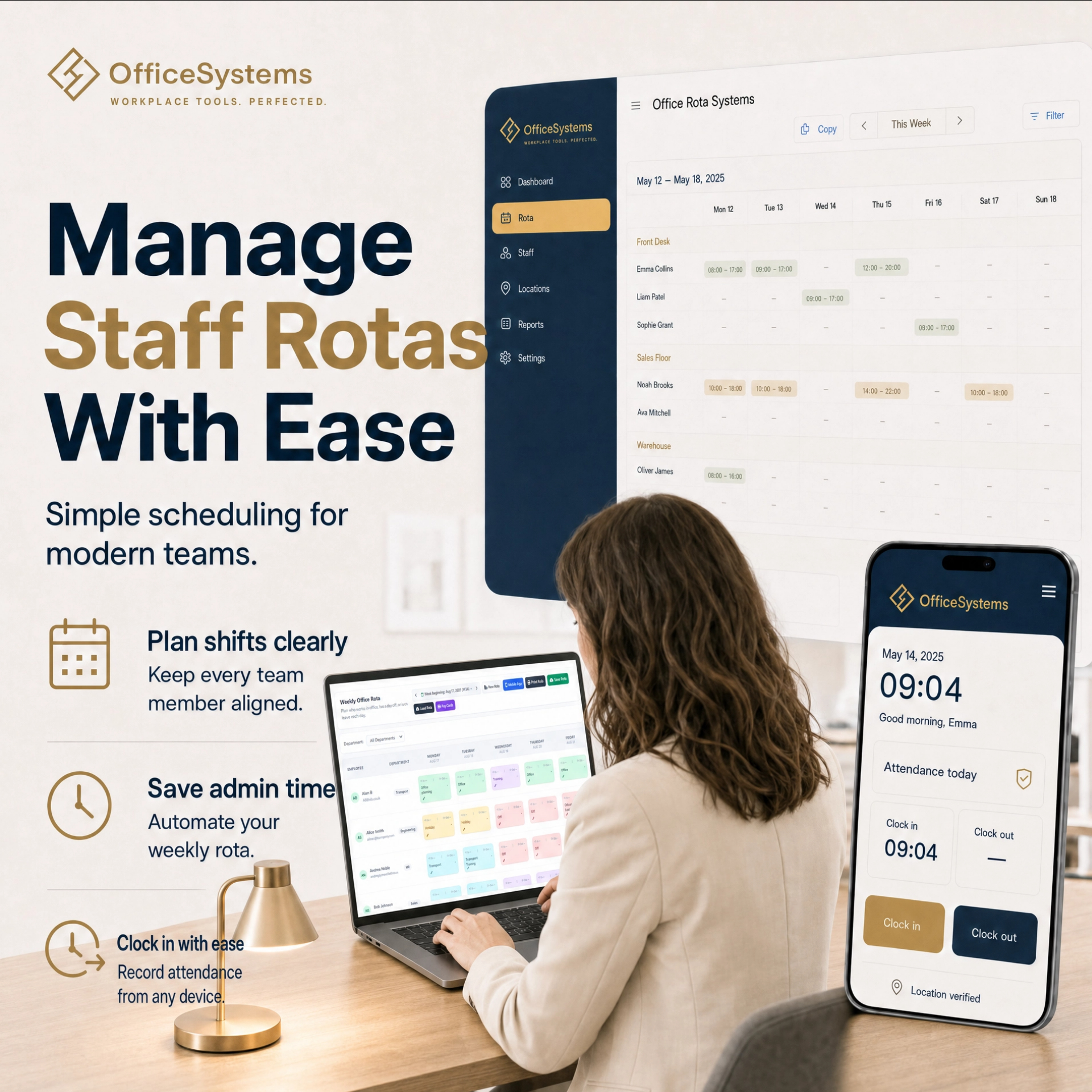
Plan staff rotas, approve leave, maintain a live attendance record and prepare payroll-ready pay cards in one connected workspace. The mobile clock-in system gives staff live rota updates, holiday requests, clock-in and clock-out on their phone.
No credit card required — full access for 7 days.
A joined-up operating rhythm
The staff rota system gives each part of the week a place: rota planning, absence, attendance and payroll preparation. Live rota updates travel with the work instead of being retyped into another spreadsheet.
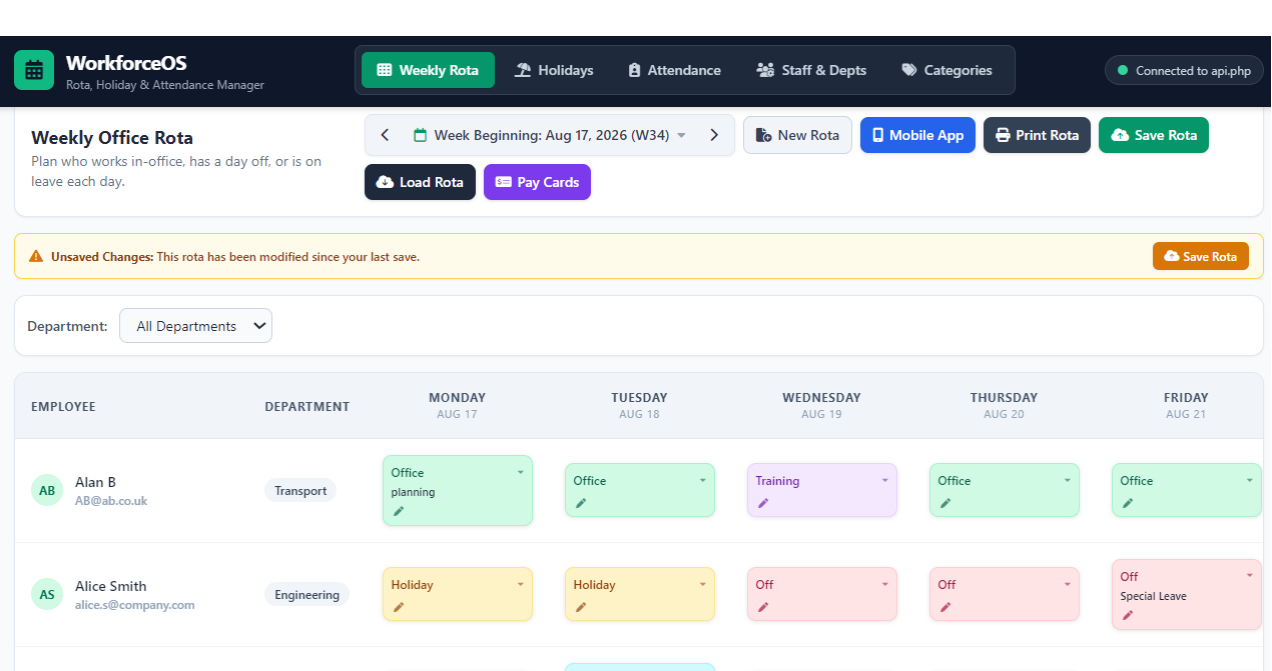
Set a week, filter departments, assign work status and use drag-and-drop to move cover where it is needed. Print, save and reload a trusted version.
Capture holiday type, dates, hours and notes. Approval updates the rota and keeps holiday period balances visible for each employee.
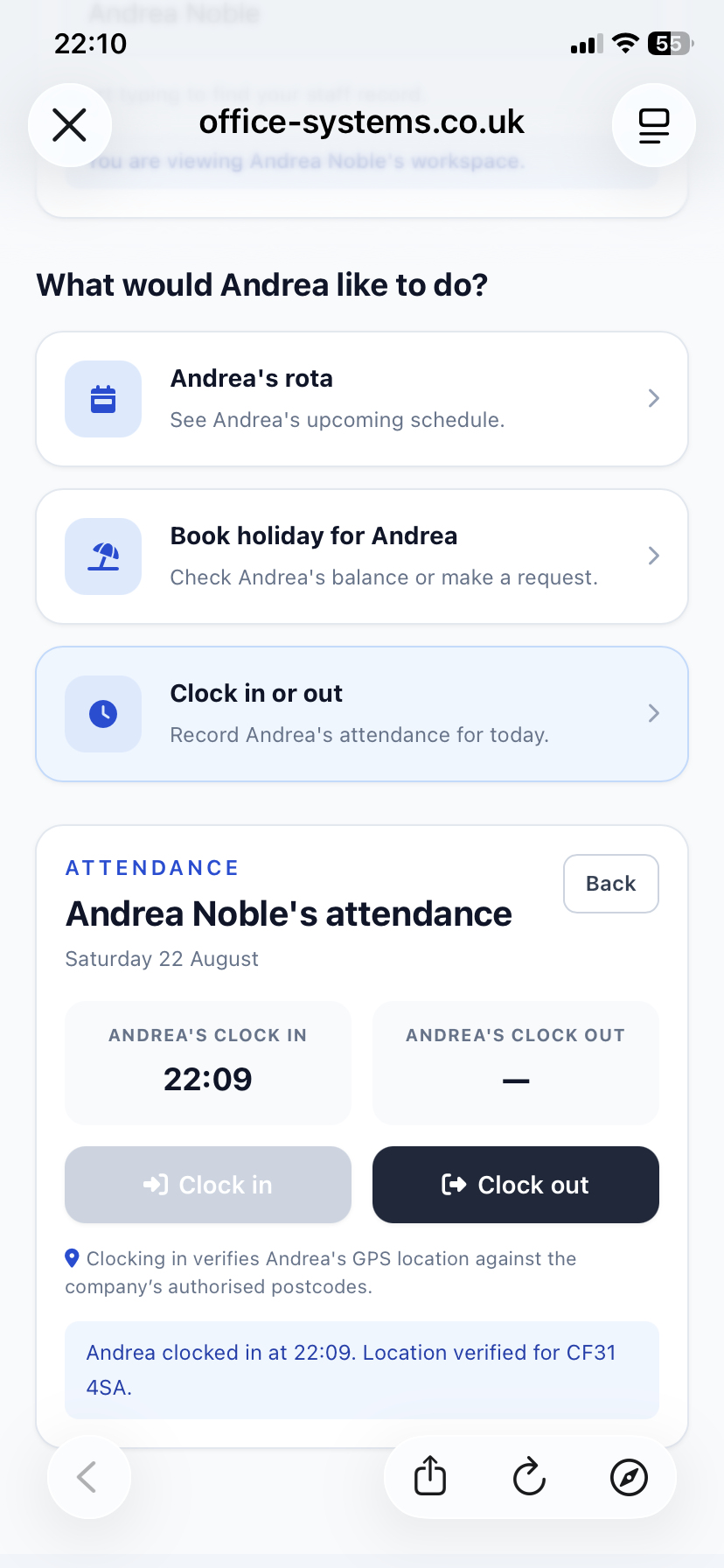
Staff can clock in and clock out from the mobile app; managers can review status, check-in/out times, notes and daily overtime in one live record.
Weekly pay cards calculate worked and contracted time, overtime, standard pay, overtime pay and gross pay by person or department.
The mobile companion
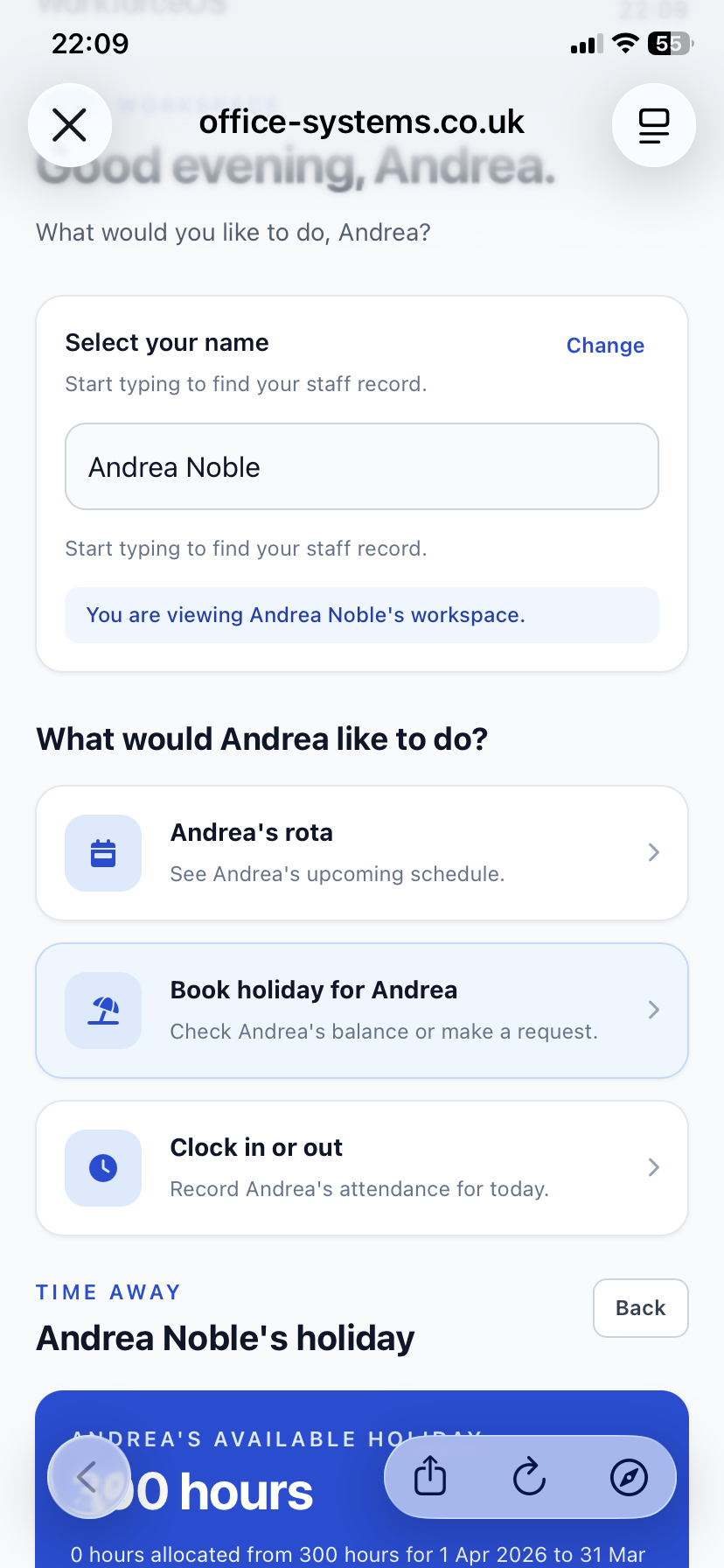
The mobile clock-in system gives staff a focused route to the actions they need each day. They can check live rota updates, clock in and clock out from authorised postcodes, review time history and submit holiday requests without waiting for a manager to relay information.
Staff can see their current rota and live rota updates, so they know where they are expected to be before the shift begins.
Staff can clock in and clock out from their mobile phones. Administrators can set authorised postcodes to limit clock-in locations.
Requests flow to the same review and approval process used by managers, then can be reflected directly in the rota.
Made for the manager’s desk
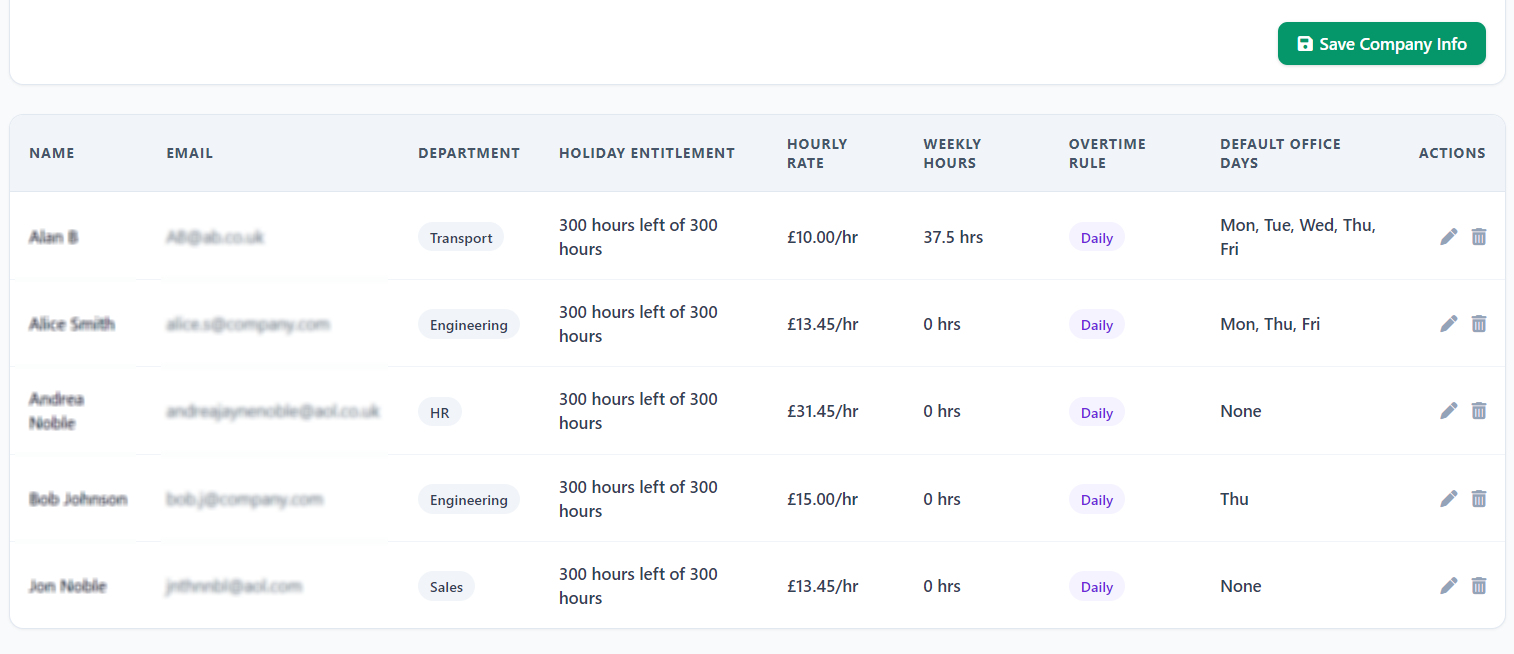
A daily staff rota works when its operating rules are clear. WorkforceOS keeps staff contracts, departments, pay rules and company configuration in the same place as rota planning, attendance and payroll tasks.
A steadier way to run the week
Bring staff rotas, a mobile clock-in system, live rota updates, holiday workflow, attendance records, pay cards and workforce controls together in one OfficeSystems workspace.
No credit card required — full access for 7 days.
The user guide covers staff and department setup, the weekly rota, holiday requests, auto-assign and the core workforce workflow.